Remote
for the
late show.
A focused iOS remote for Plex HTPC, Plex Companion, and Kodi media centers. Discover devices on your local network, sign in to Plex, and run the night without ever leaving the couch.
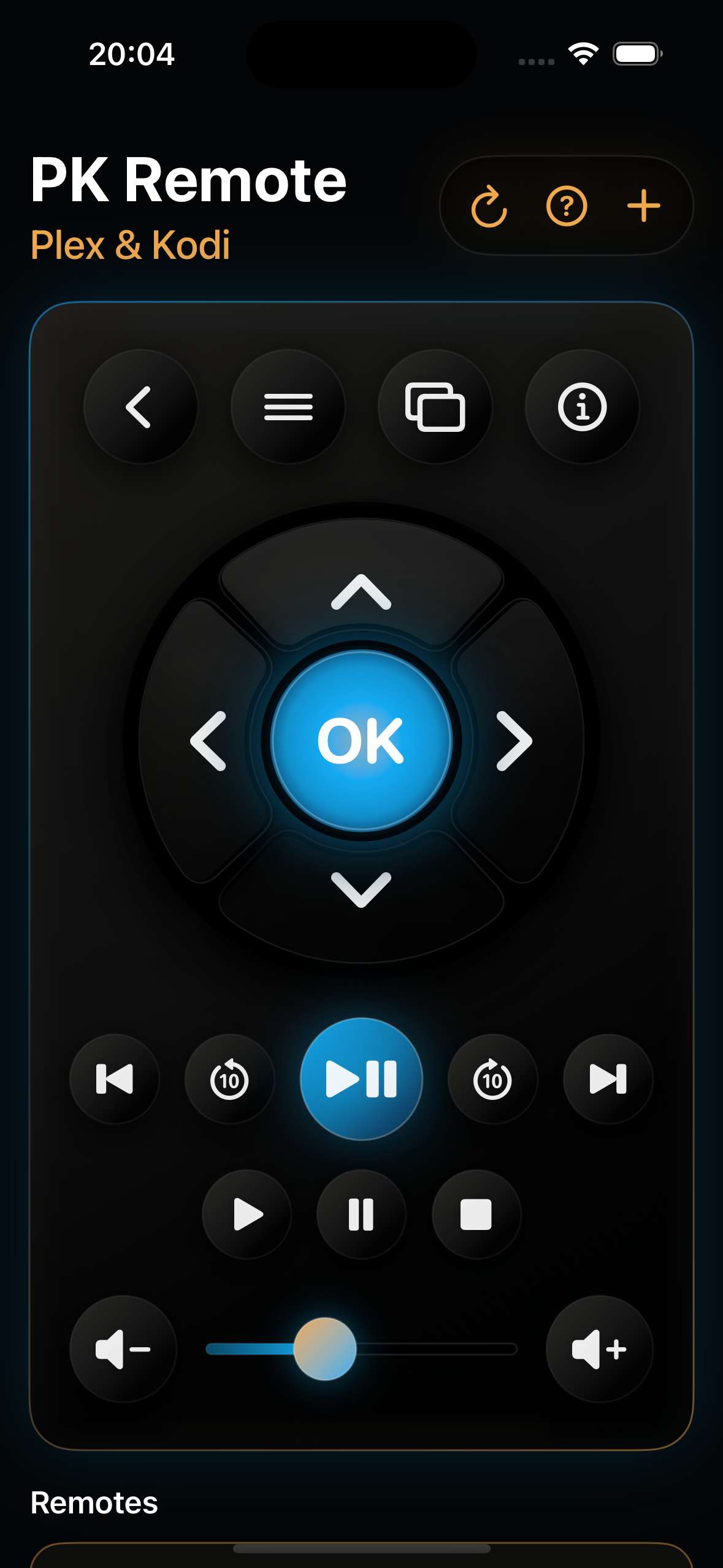
A tactile D-Pad,
built for the dark.
Big targets, soft glow, no fumbling. Navigate menus, dismiss the OSD, and pause the feature presentation without taking your eyes off the screen.
- Up · down · left · right with a glowing OK at the center.
- Back, menu, info, and OSD as quick action buttons.
- Home toggle on Plex and Info on Kodi, contextual to the receiver.
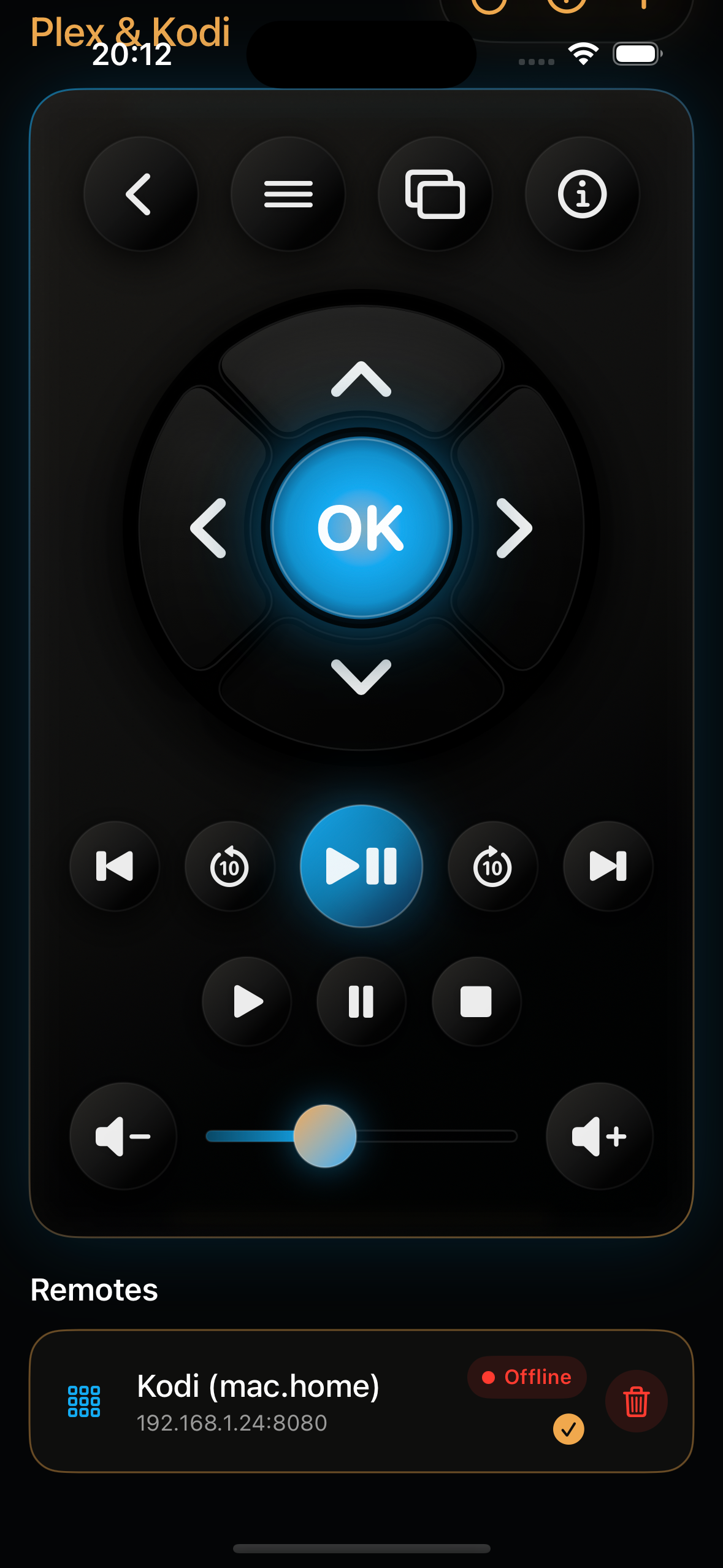
Skip, scrub,
and set the volume.
Play / pause front and center. Seek ±10 seconds when the dialogue jumps. A real volume slider with step buttons so you can quiet a loud scene without unlocking your phone twice.
- Play, pause, stop, previous, and next from one row.
- Forward and backward jumps with on-screen feedback.
- Volume slider with up and down step buttons.
Discovery first.
Manual when it matters.
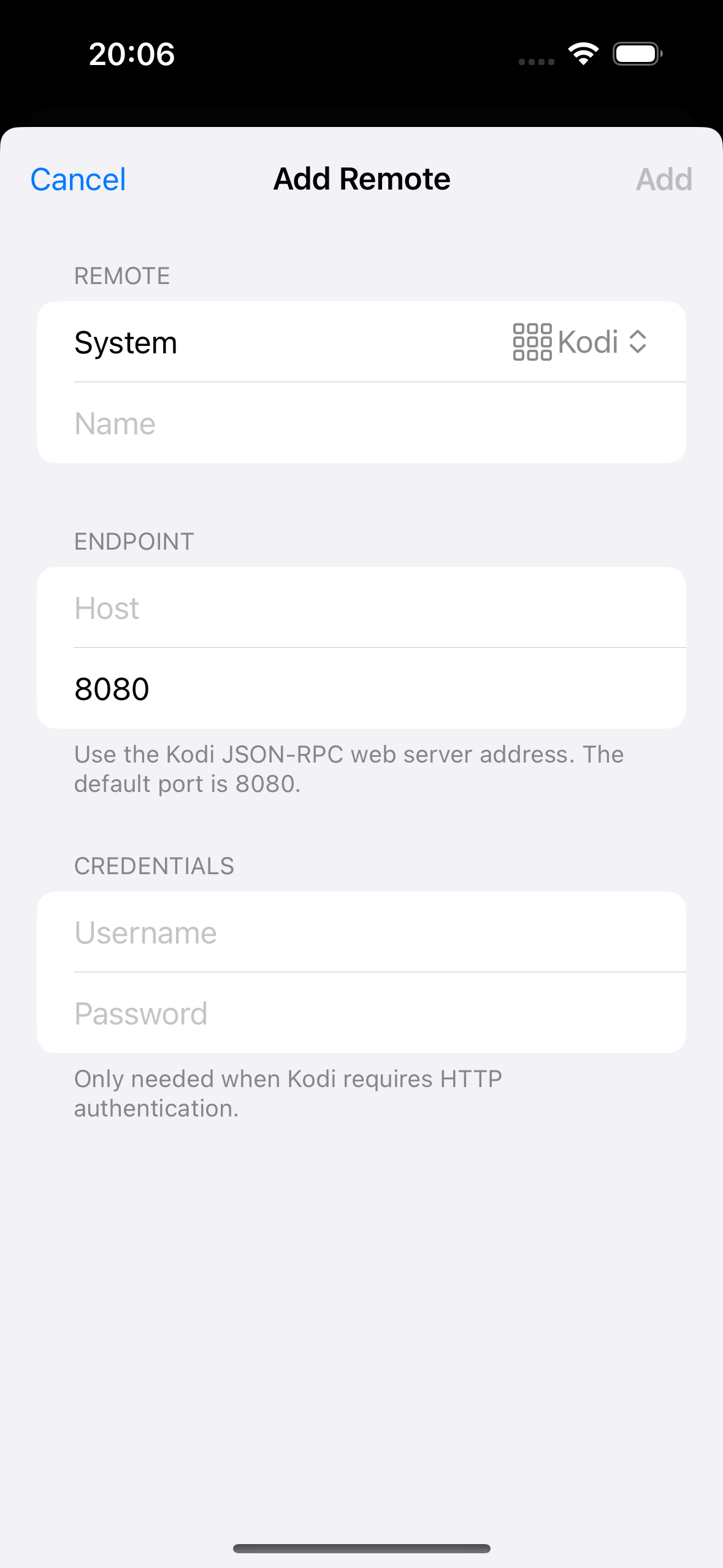
Scan the local network for Plex Companion players and Kodi hosts. When a server hides behind a static IP, a port mapping, or HTTP credentials, add it by hand and PK Remote keeps it for next time.
- Local discovery for Plex and Kodi installations.
- Plex sign-in to look up HTPC and Companion receivers.
- Manual setup with host, port, and optional credentials.
- Saves your selected remote for the next launch.
Three steps to
the first command.
The first launch walks you through onboarding, picks a remote, and gets you to play / pause in under a minute. No account required for Kodi. Plex sign-in happens only when you ask for it.
Pick the receiver
Choose Plex HTPC, Plex Companion, or Kodi during onboarding. The app explains which Plex apps actually accept commands.
Find the device
Discover automatically, sign in to Plex for HTPC lookup, or punch in a host and port for Kodi JSON-RPC.
Take control
Navigate, play, scrub, and adjust volume. The app remembers the remote for the next launch.
Plus Plex Companion players advertised by Plex Media Server when you sign in.
Any Kodi host with the JSON-RPC web server enabled on the local network.
Native SwiftUI build. No analytics SDKs. No advertising. No backend service.
Cue the movie.
PK Remote ships under its legacy App Store name, Plex & Kodi (XBMC) remote, rebuilt from the ground up in SwiftUI for current iOS releases.