
A script at your pace
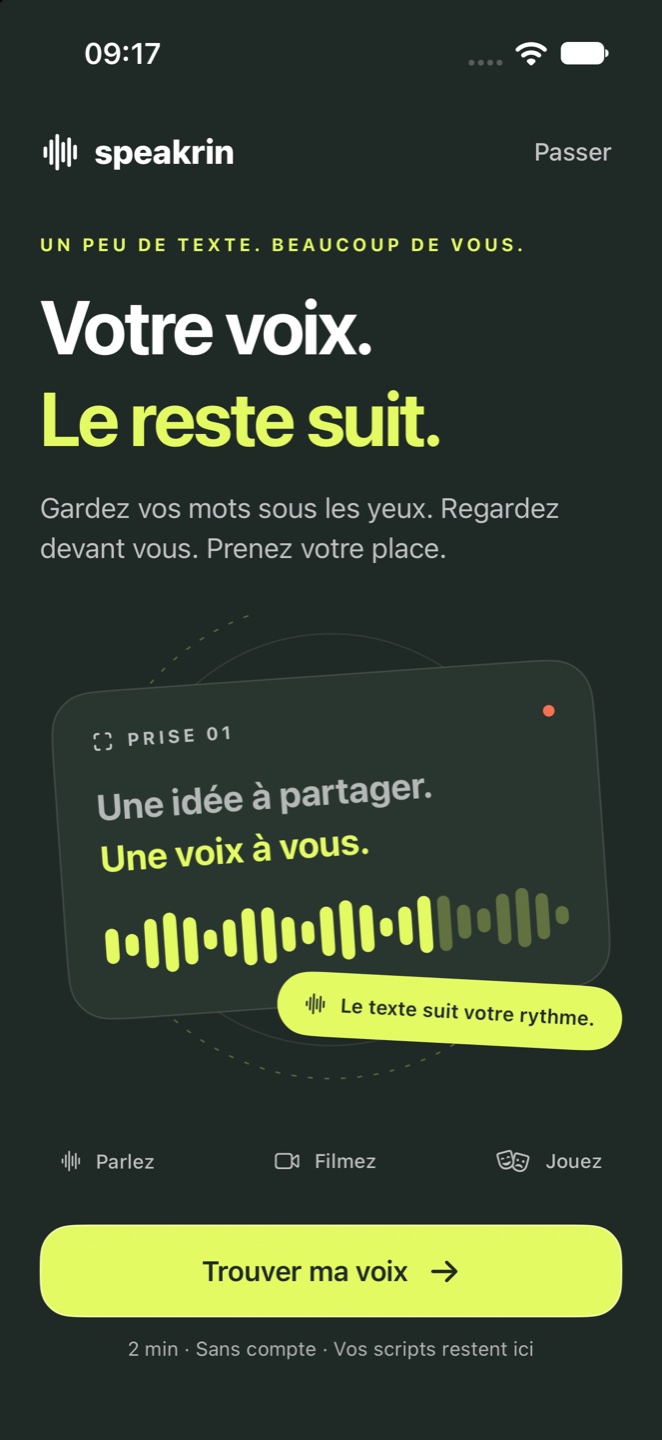
Read aloud and let the text follow. Pause to breathe or pick up from a word with a tap. Use fixed-speed scrolling whenever you prefer.
- Adjustable text & reading guide
- Countdown & mirror mode
Keep your words in sight and your attention on the moment. A teleprompter that follows your voice, a camera for your takes, and a partner for your next scene.
Requires iOS 26 or iPadOS 26 or later. The app interface is currently in French.
For the speech you want to get right, the video you want to make, and the lines you want to remember.
Read aloud and let the text follow. Pause to breathe or pick up from a word with a tap. Use fixed-speed scrolling whenever you prefer.
Keep your script on screen while you record with the front or rear camera. Pause the text while the video keeps rolling.
Choose your character. Speakrin speaks the other parts and waits for your reply. Hide your lines, reveal a hint, or use recorded dialogue.
Write a new script or import a TXT file, a PDF with selectable text, or a compatible EPUB. Your library and recordings stay on your device. Apple device backups may include app data, depending on your settings.
Find the right setting, solve a microphone issue, or learn how to prepare a scene. The support guide uses the French button labels you will see in the app.